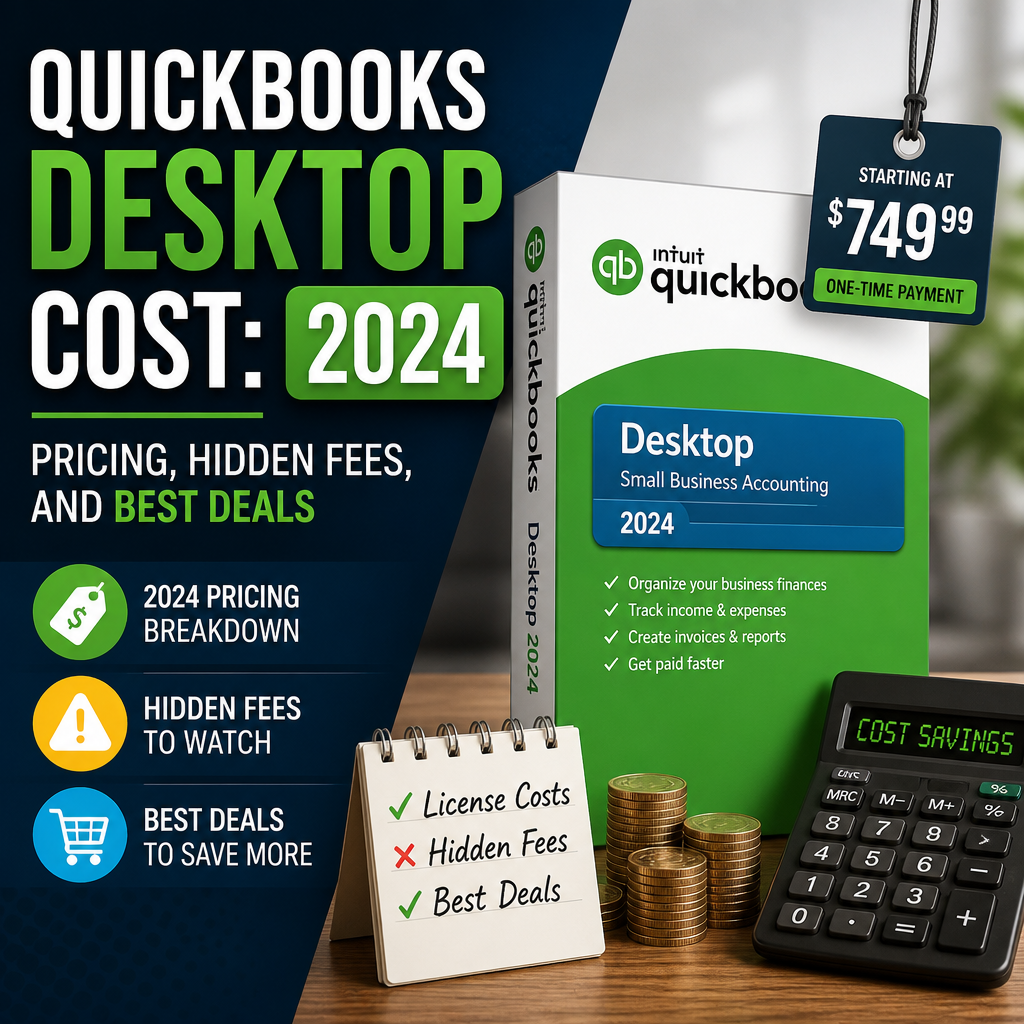
Understanding the QuickBooks Desktop cost is essential before investing in accounting software for your business. Whether you’re an entrepreneur, a small business owner, or managing finances for an LLC, knowing the true expenses associated with QuickBooks can help you avoid surprises and optimize your budget. In this guide, we’ll break down yearly subscription fees, hidden costs, and where to find the best deals on your QuickBooks license.
Table of Contents
QuickBooks Desktop Overview
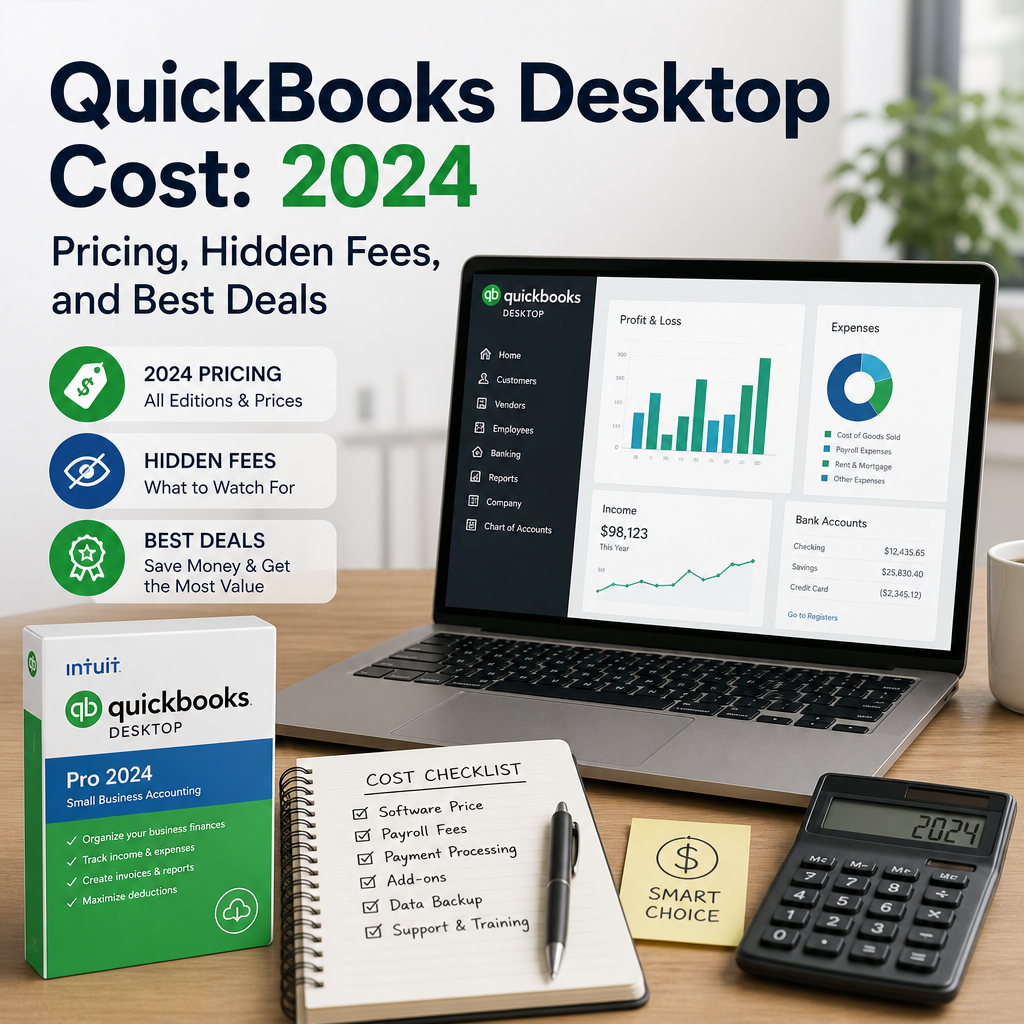
QuickBooks Desktop is trusted by millions for efficient bookkeeping and robust accounting features. It’s popular among businesses for its reliability, offline capabilities, and industry-specific editions. The 2024 lineup includes options for both Windows and macOS, such as QuickBooks Pro Plus 2024 and quickbooks mac.
For many buyers, the value comes from the combination of local installation, strong reporting tools, and familiar workflows. If you are comparing purchase options, it can also help to review a practical Buy QuickBooks Desktop: Secure Your Accounting Software Guide before committing to a plan.
Subscription Fees: What to Expect
Unlike previous years, QuickBooks Desktop is now subscription-based. Here are the standard annual prices for 2024:
- QuickBooks Pro Plus 2024: Starts around $549/year
- QuickBooks Premier Plus 2024: Starts from $799/year
- QuickBooks Mac Plus 2024: Starts from $549/year
These prices reflect Intuit’s official rates, though they may vary slightly depending on where you buy QuickBooks. The final price can also change based on promotions, package options, and the number of users your business needs.
What’s Included in the Subscription?
All subscriptions typically include annual software updates, tech support from Intuit, secure data backups, and automated tools for invoicing, bill payments, and reporting. In practice, these features help keep your books current without forcing a major upgrade every year.
For official product and support details, Intuit’s help center is a useful reference: Intuit QuickBooks support and learning resources.
Hidden Costs to Watch For
The sticker price is just the beginning. Here are some common hidden expenses associated with the QuickBooks Desktop cost that buyers often overlook.
1. Payroll Services
If you process payroll, you’ll need to add Intuit’s payroll service, which costs extra. Expect to pay an additional $500–$900 per year based on the plan. This can be one of the largest add-on expenses for small teams.
2. Additional Users
QuickBooks Pro Plus allows up to 3 users, while Premier Plus allows up to 5. Extra user licenses can increase your total cost, especially as your business grows. Planning ahead for user access can prevent a surprise budget increase later in the year.
3. Add-ons and Integrations
Add-ons such as Inventory Management or Time Tracking tools incur further fees. Advanced features are not always bundled with the standard subscription, so it is worth checking which functions are included before you purchase.
4. Data Migrations or Upgrades
Migrating old company files to newer versions or switching from QuickBooks Online to Desktop might require expert help, which can add to your expenses. If you have a complex file history, migration support may be worth budgeting for from the start.
5. Support & Training
While some support is included, premium services like one-on-one training or dedicated account management may cost extra. Businesses that are new to desktop accounting often find training helpful, but it should be treated as part of the total ownership cost.
How to Find Exclusive Savings
To lighten the QuickBooks Desktop cost, consider these strategies. A small amount of research can make a meaningful difference, especially if you are buying for a single user or a growing team.
Buy Through Authorized Resellers
Sites like usquickbooks and quickbooksforllc often offer discounts, especially for new users or when bundling services. If you want to compare purchase options while staying within a trusted product ecosystem, start with the Buy QuickBooks Desktop guide for a practical overview.
Look For Seasonal Promotions
Intuit and its partners frequently run sales around tax season and at year-end. Purchasing during these times can save you between 10-30% on your QuickBooks licence. Even a modest discount can reduce the first-year cost enough to justify waiting for a promotion.
Multi-Year Subscriptions
Some vendors offer discounts if you commit to multiple years upfront. This can lock in a lower annual rate and avoid price hikes. If your accounting setup is stable, a longer commitment may be a sensible way to control future spending.
Educational & Nonprofit Discounts
Qualifying organizations can request special pricing, reducing the cost of QuickBooks 2024 editions. Be sure to verify eligibility requirements before applying, since discounts are usually tied to documentation or organization type.
Is QuickBooks Desktop Worth the Cost?
When comparing with other accounting software, QuickBooks Desktop stands out for its advanced features, powerful reporting, and industry-tailored solutions. However, the subscription model means costs are ongoing, so buyers should weigh feature depth against the long-term budget.
If you need advanced local accounting and don’t require cloud access, QuickBooks Desktop remains a cost-effective and powerful choice. Businesses that value desktop performance, detailed reporting, and classic workflows often find the platform justifies the annual spend.
For readers exploring alternatives before making a final decision, this overview of QuickBooks Desktop Alternatives: Top Picks for Modern Accounting Software can help you compare feature sets and costs side by side.
Before you decide, ask yourself:
- How many users do you need?
- Which features are essential for your business?
- Are you comfortable with an annual fee?
- Will you need payroll, inventory, or training add-ons?
- Do you prefer a desktop workflow over cloud-only accounting?
QuickBooks Desktop Cost FAQ
Is QuickBooks Desktop a one-time purchase?
No. QuickBooks Desktop is now subscription-based, so you should plan for an ongoing annual fee rather than a single lifetime purchase. That change affects the total ownership cost more than many first-time buyers expect.
Does the QuickBooks Desktop cost include payroll?
Usually not. Payroll is commonly sold separately, and the add-on can increase your yearly expense significantly depending on the plan and number of employees.
Can Mac users buy the same version as Windows users?
No. Mac and Windows buyers should choose the version that matches their system. The pricing may look similar, but the product editions and workflow needs are different.
What is the smartest way to reduce the QuickBooks Desktop cost?
Watch for promotions, compare authorized sellers, and choose only the features you actually need. The best deal is not always the lowest sticker price if it leaves out essential tools.
The QuickBooks Desktop cost goes beyond the annual subscription. Factor in hidden expenses, choose the right edition, and watch for exclusive savings from trusted vendors like usquickbooks or quickbooksforllc before you buy. By understanding the full picture, you can make an informed decision and ensure your investment in QuickBooks delivers maximum value for your business in 2024 and beyond.
