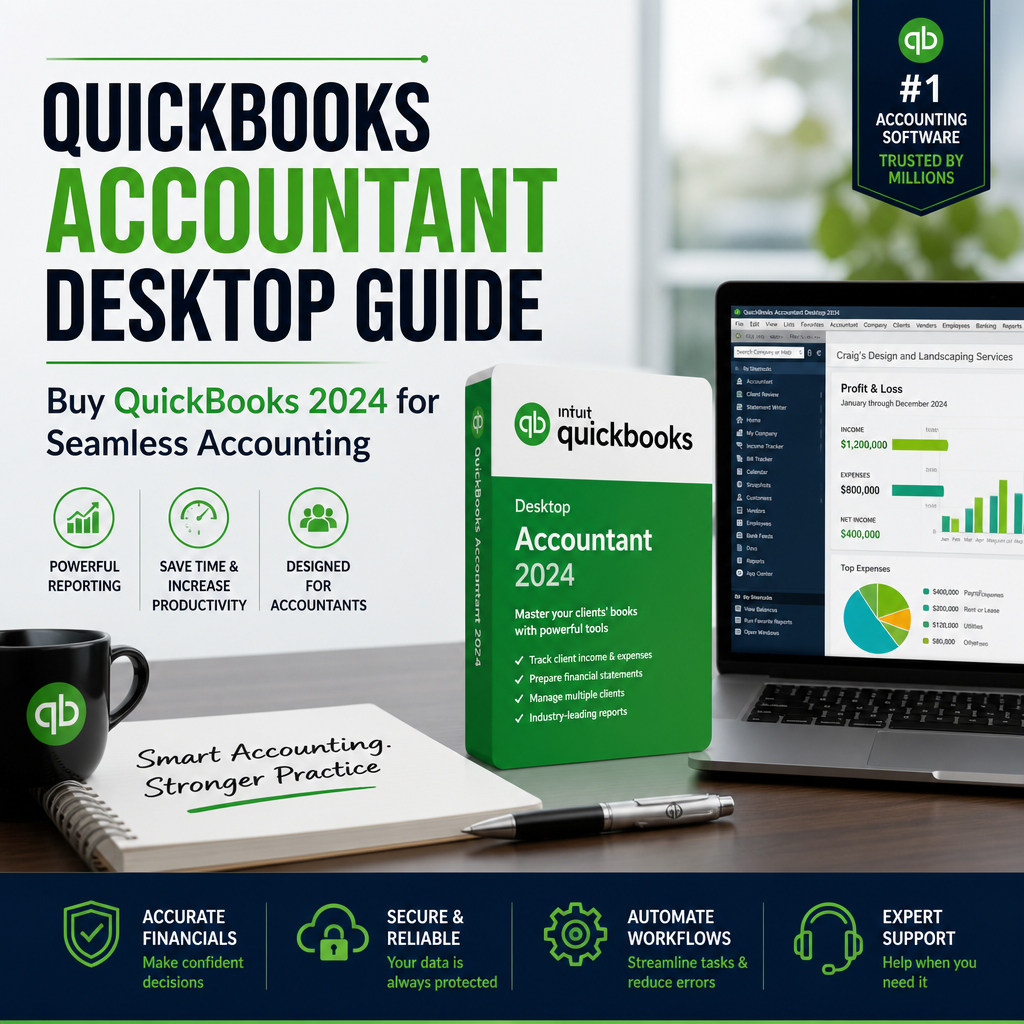
Keeping business books accurate, organized, and ready for review takes the right tools. For accountants and business owners who need reliable workflows, QuickBooks Accountant Desktop offers advanced bookkeeping features, detailed reporting, and strong financial control. This guide explains why it remains a practical choice, what it can do for day-to-day accounting, and how to choose the right version for your setup.
If you are comparing desktop accounting options, you may also want to review our guide to QuickBooks Desktop Pro 2023 for broader feature context.
Table of Contents
Why Choose QuickBooks Accountant Desktop?
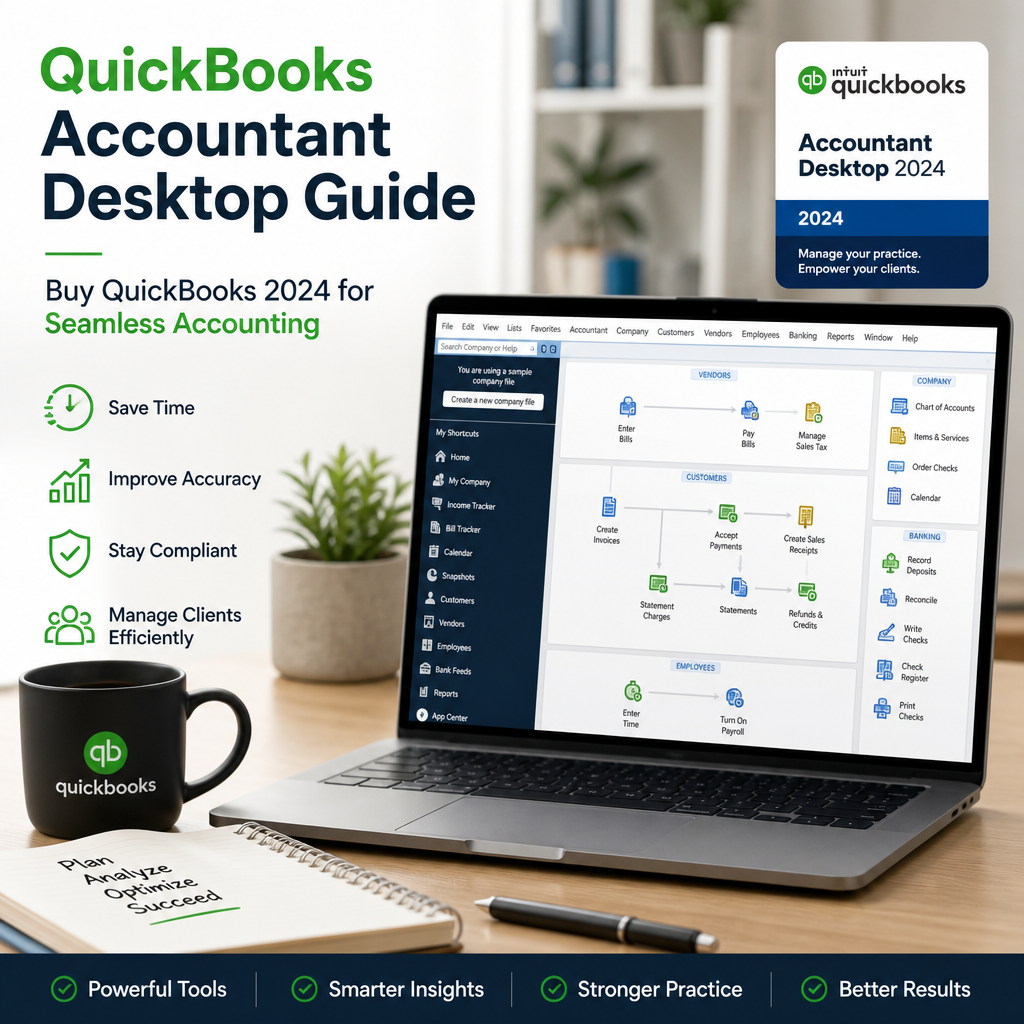
For professionals who handle multiple books, reconciliations, and client files, desktop accounting software still has a strong advantage. It gives you deeper control over data, structured reporting, and more predictable workflows than many lightweight cloud tools. That matters when accuracy and speed are equally important.
QuickBooks Accountant Desktop is especially useful when you need a tool built around bookkeeping tasks rather than general office productivity. It supports detailed review, correction, and file management so accountants can work with fewer interruptions.
Unmatched Financial Control
The software includes tools designed for accountants and small business owners who need to track multiple company files, correct errors efficiently, and manage complex transactions. With a QuickBooks licence, you can oversee accounts, payroll, inventory, and taxes in one environment without relying on unnecessary add-ons.
That level of control is one reason many users prefer desktop software for year-end work, monthly reconciliation, and client cleanup. If you want to compare other desktop editions before deciding, see QuickBooks Desktop Alternatives.
Detailed and Customizable Reporting
One of the biggest benefits of this platform is the depth of its reporting. You can generate reports for income, expenses, cash flow, and account balances, then customize them to match client needs or internal workflows. This makes tax prep and management review easier.
Better reporting also supports better decision-making. When you can isolate trends, compare periods, and review categories quickly, you spend less time searching for answers and more time acting on them.
Seamless Data Collaboration
Accountants often need to review files from more than one client or team member. QuickBooks Accountant Desktop helps with that through features like Accountant’s Copy and Batch Enter Transactions. These tools make it easier to exchange data, check edits, and keep books aligned.
Collaboration becomes less stressful when files can move securely between users and records stay organized throughout the process.
Essential Features in QuickBooks Accountant Desktop
Here are some of the most useful features that make this accounting software attractive to professionals:
- Accountant Center: Keep important accountant tools in one place for faster navigation and better productivity.
- Batch Transaction Processing: Save time by entering and editing multiple records at once.
- Smart Review Tools: Spot inconsistencies, fix client errors, and streamline reconciliation work.
- File Transfer and Backup: Move files safely between accountant and client while maintaining secure backups.
- Integration: Connect with banking tools and add-ons for a more connected workflow.
- Compatibility: Works well with QuickBooks Pro Plus 2024 and is available for both PC and QuickBooks Mac users.
How It Supports Daily Bookkeeping
For routine bookkeeping, the value is in speed and consistency. Instead of jumping between separate tools, you can use one desktop system to manage transactions, review ledgers, and prepare reports. That helps reduce manual errors and lowers the time spent on repetitive tasks.
It also makes it easier to standardize internal processes. When your team follows the same system for entering and reviewing data, bookkeeping becomes more reliable over time.
Who Benefits Most?
This software is a strong fit for accountants, bookkeeping professionals, and owners of service businesses that need detailed financial oversight. It can also help users who prefer a more traditional desktop workflow or who manage files offline on a regular basis.
For users who want to understand how desktop editions are changing, our article on QuickBooks Desktop Going Away? is a helpful companion read.
How QuickBooks Accountant Desktop Powers Financial Success
Whether you are an independent CPA or managing books for multiple businesses, the right accounting platform can save time and reduce stress. This software supports financial success by improving accuracy, accelerating close cycles, and presenting a cleaner view of business performance.
Accurate Books, Always
One of the most important benefits is the reduction of missed transactions and manual errors. When bookkeeping data is organized properly, you can trust your reports more and spend less time correcting avoidable mistakes.
That confidence matters during audits, tax preparation, and client reviews. Clean books lead to better decisions and fewer last-minute problems.
Faster Close Cycles
Batch tools, easy navigation, and efficient reporting shorten reconciliation and closing work. Instead of spending hours on repetitive entries, you can focus on the exceptions that need human review.
This is especially helpful during busy periods when deadlines are tight and turnaround time matters.
Client Confidence
When financial statements are precise and delivered on time, clients notice. Reliable reporting builds trust and strengthens your reputation as a professional who handles books with care.
That trust can be just as valuable as the software itself, because it supports long-term client relationships and more consistent results.
How to Buy QuickBooks Accountant Desktop and Save 50%
Ready to take control of your finances and bookkeeping? Now is a good time to review available offers and choose the version that fits your needs. Authorized resellers such as usquickbooks and quickbooksforllc may offer promotional pricing, including 50% OFF opportunities on select licenses.
Before you purchase, compare the edition, device compatibility, and the type of support you need. If you are buying for a new setup, the official product pages and software information can help you confirm the version details before checkout.
For more information on the product family from the publisher, visit the official QuickBooks Desktop product overview.
Getting Started Is Simple
- Choose your version: Select QuickBooks Accountant Desktop, QuickBooks 2024, or QuickBooks Mac based on your workflow.
- Verify reseller offers: Trusted US resellers like usquickbooks and quickbooksforllc may provide limited-time discounts.
- Purchase and download: Secure your QuickBooks licence and begin setup.
- Migrate existing data: Bring over your current books for a smoother transition.
- Begin your workflow: Use the software to manage books, review reports, and keep control of financial records.
Tips Before You Install
Before installing any desktop accounting software, check your system requirements, confirm your company file backups, and make sure you have access to all necessary login information. A little preparation helps prevent delays during setup.
If you need a broader purchasing guide, our post on Buy QuickBooks Desktop explains how to choose the right option for your business.
Practical Ways to Get More from the Software
The most effective way to use desktop accounting software is to build consistent routines around it. Start with regular transaction entry, scheduled reconciliation, and standardized report review. Those habits make month-end closing easier and reduce the chance of missed details.
You can also create internal processes for file sharing and backup. That keeps data safer and makes it easier for multiple people to work on the same books without confusion.
Best Practices for Accountants
- Review bank feeds and posted entries on a fixed schedule.
- Use reports to compare current performance against prior periods.
- Keep backup copies before making major changes to company files.
- Document recurring adjustments for faster future reviews.
- Train team members to use the same workflow for consistency.
Why Desktop Users Still Prefer This Approach
Many professionals still choose desktop accounting because it offers stable access, detailed controls, and a familiar interface for bookkeeping work. For teams that value local file management and advanced reporting, those benefits can outweigh the simplicity of lighter tools.
That does not mean desktop software is right for everyone, but it remains a dependable option for businesses that need structure and oversight.
Conclusion: Invest in Your Success
QuickBooks Accountant Desktop is more than accounting software. It is a practical tool for professionals who need reliable bookkeeping, detailed reporting, and better financial control. Whether you are an accountant, an LLC owner, or a business managing multiple books, it can help simplify your workflow and improve accuracy.
If you are ready to buy QuickBooks and want a desktop solution that supports advanced bookkeeping, now is a strong time to explore your options. With the right version, proper setup, and a consistent process, you can master your books and maintain clearer financial control throughout the year.
For users comparing versions across devices and product lines, QuickBooks Accountant Desktop remains a strong choice for seamless financial management, especially when paired with the right reseller, the right license, and a careful setup plan.
For ongoing accounting guidance, QuickBooks Accountant Desktop can also serve as a reliable base for monthly close, clean reporting, and client-ready records. Used well, QuickBooks Accountant Desktop helps reduce friction in everyday bookkeeping and keeps important financial work moving forward.
When you are weighing long-term software options, QuickBooks Accountant Desktop stands out for accountants who want depth, structure, and dependable desktop performance. If your process depends on accuracy and review, QuickBooks Accountant Desktop can be the foundation that keeps your books organized all year.
Many small firms still choose QuickBooks Accountant Desktop because it combines practical controls with a familiar workflow. For teams that need clear records and timely insights, QuickBooks Accountant Desktop remains a proven option for day-to-day accounting.
As your business grows, QuickBooks Accountant Desktop can support stronger oversight without adding unnecessary complexity. That is why QuickBooks Accountant Desktop continues to be a trusted choice for professionals who want efficiency, control, and reliable reporting in one place.
