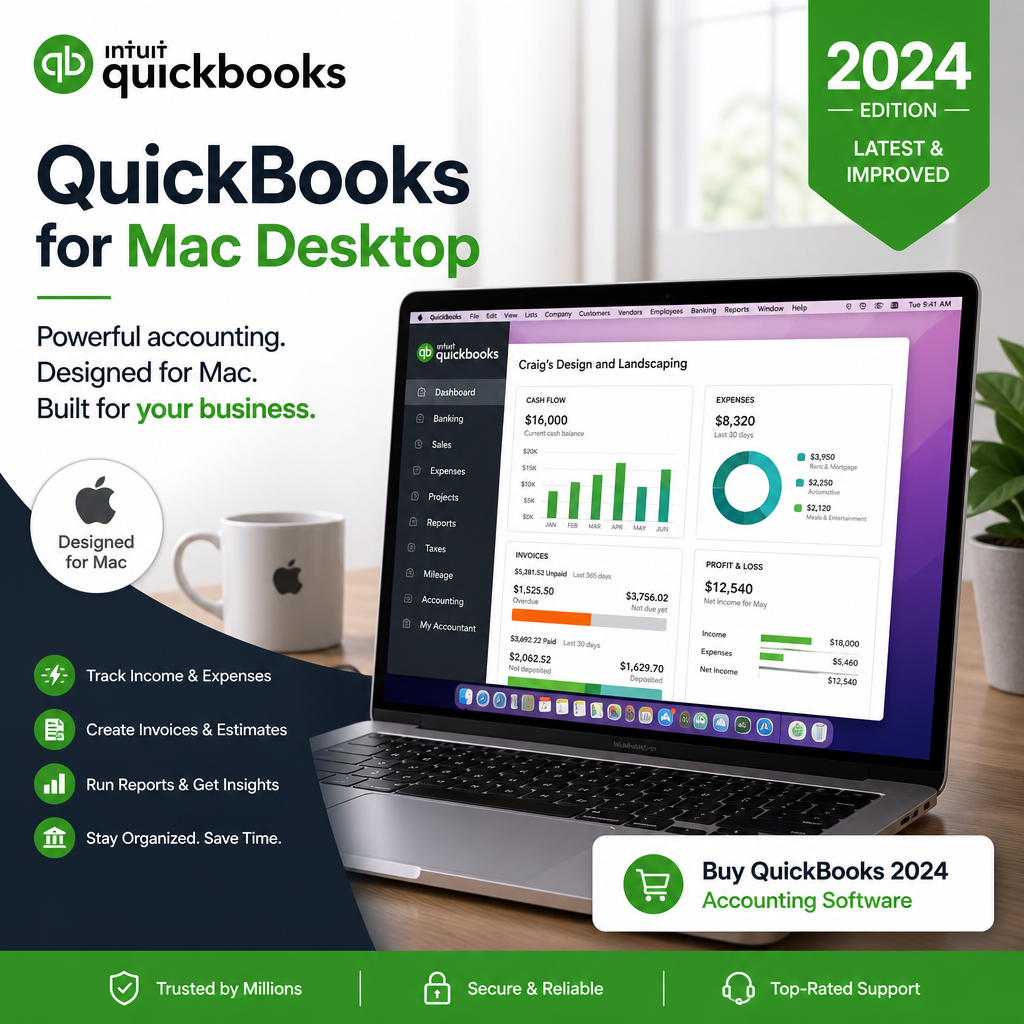
Managing your business finances doesn’t need to be overwhelming. With the right accounting software, you can streamline your processes, keep accurate records, and focus on growing your business. QuickBooks for Mac Desktop gives small business owners robust tools tailored to the needs of Mac users. In this guide, discover how it can improve bookkeeping, invoicing, reporting, and day-to-day financial control. If you are evaluating broader options, our QuickBooks Desktop alternatives guide can help you compare the desktop accounting landscape.
Table of Contents
Why Choose QuickBooks for Mac Desktop?
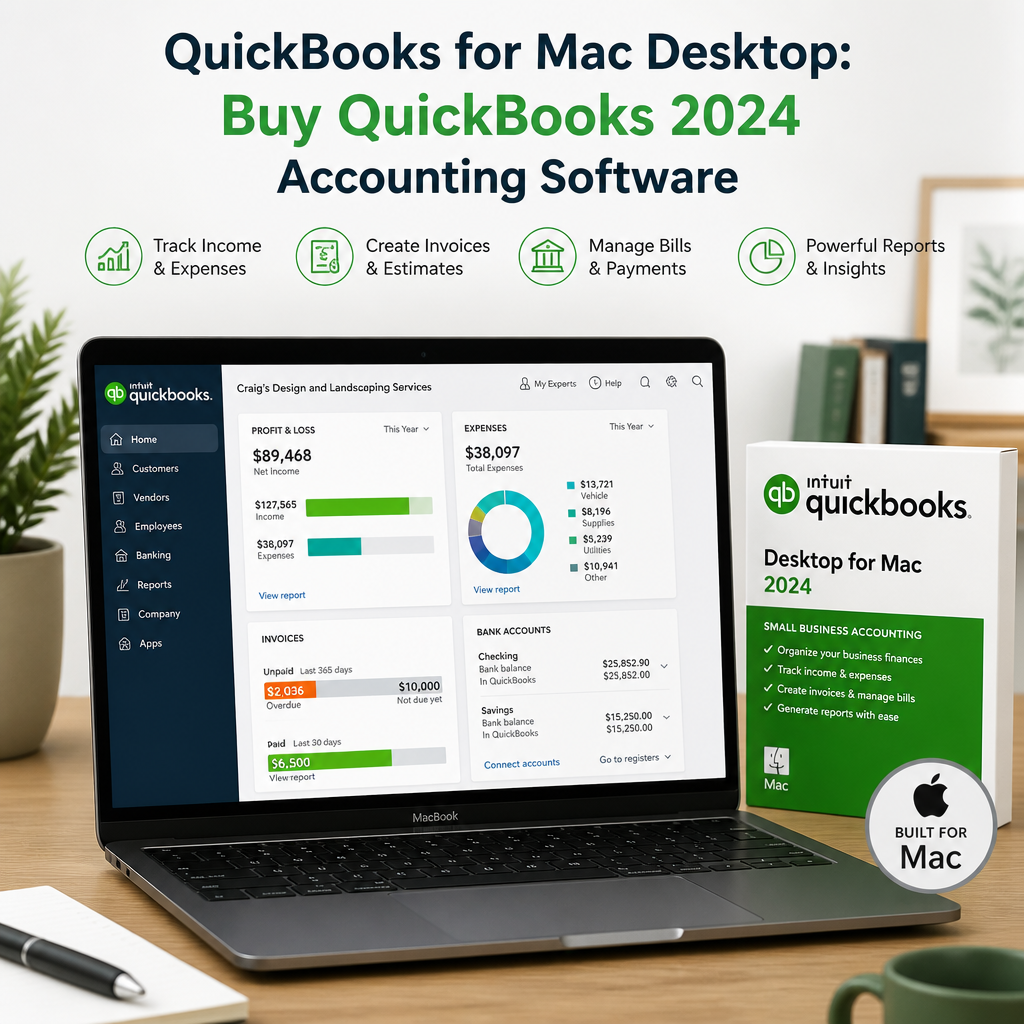
Built natively for macOS, QuickBooks for Mac Desktop offers an intuitive, user-friendly interface that feels right at home on your Apple device. Unlike web-only solutions, this dedicated desktop software provides strong performance, offline access, and customization that give you more control over your company’s financial data. For many owners, QuickBooks for Mac Desktop is the practical middle ground between convenience and control.
That control matters when you are handling daily transactions, preparing reports, and keeping tax records organized. QuickBooks for Mac Desktop is designed to help you move faster without losing visibility into the numbers that matter most. If your goal is a stable accounting workflow on a Mac, QuickBooks for Mac Desktop can be a strong fit.
It also works well for businesses that prefer an installed application over a browser-based platform. Some owners simply want a dependable program they can open on their Mac, use consistently, and trust to keep their books in order. In that setting, QuickBooks for Mac Desktop offers a familiar environment for entering transactions, reviewing balances, and preparing reports without unnecessary complexity.
Key Benefits of QuickBooks for Mac Desktop
- Seamless Mac integration: Designed specifically for macOS, ensuring smooth performance and familiar navigation.
- Offline access: Work on your books anytime, anywhere, with no browser limitations.
- Enhanced security: Keep your business data safe on your device, with customizable backup options.
- Comprehensive tools: Handle invoicing, expense tracking, bank reconciliation, and reporting in one place.
Another benefit is consistency. Once you set up your company file and basic preferences, the software supports a repeatable workflow that can make bookkeeping feel less scattered. That consistency can be especially valuable for owners who manage finances themselves and need a system that reduces guesswork.
For many teams, the biggest advantage is not one individual feature but the way the software brings everything together. Banking, sales, expenses, and reporting stay connected, so your records are easier to review when you are making decisions about cash flow, hiring, pricing, or tax planning.
Streamline Your Bookkeeping
Bookkeeping is the backbone of healthy business finances. With QuickBooks for Mac Desktop, tedious manual entries become much easier to manage, which helps reduce errors and save time during busy weeks. This is especially helpful when you are balancing sales, vendor bills, and recurring expenses in a single system.
Better bookkeeping also means better visibility. When your transactions are organized correctly, it becomes easier to know where money is coming from, where it is going, and which accounts need attention. That clarity can make every monthly review faster and more useful.
Effortless Data Entry
Import bank and credit card transactions directly into QuickBooks, reducing manual work and improving accuracy. You can categorize expenses with drag-and-drop ease or set up automation rules for faster record keeping. When bookkeeping stays current, QuickBooks for Mac Desktop can make monthly close and reconciliation far less stressful.
Instead of entering every transaction from scratch, you can rely on imported data to speed up routine updates. That saves time and also helps reduce common typing errors, especially when your business processes a high volume of payments or receipts.
As your records accumulate, the software makes it easier to keep transaction details organized by account, vendor, customer, or class, depending on your setup. That structure can be helpful when you want to identify spending patterns or prepare records for an accountant.
Quick Invoicing and Payments
Create professional invoices in minutes, complete with your branding. Email them directly to clients from the software and track payment status in real time. Accept online payments securely to help speed up cash flow. For service businesses and consultants, QuickBooks for Mac Desktop keeps billing tasks tied closely to your records.
Invoicing is often one of the first places small business owners feel the benefit of an organized accounting system. When invoices are tied directly to customer records and income tracking, it becomes easier to manage outstanding balances and follow up on late payments.
That matters because faster invoicing often leads to faster cash collection. Instead of waiting until the end of the week or month to create bills, you can issue them as soon as the work is complete and keep your revenue cycle moving.
Simplified Expense Tracking
Attach digital copies of receipts to transactions for smoother expense management. Generate expense reports in a few clicks, making tax time easier and helping you stay organized throughout the year. Better expense tracking also means QuickBooks for Mac Desktop can support cleaner financial statements and more reliable reporting.
Keeping receipts and expense records attached to the matching transactions also gives you a clearer audit trail. When you later need to explain a purchase, verify a deduction, or answer a question from your CPA, the supporting information is easier to find.
For owners who travel, buy supplies often, or manage multiple vendors, this feature can reduce the stress of sorting paperwork later. A few seconds spent attaching a receipt now can save a lot of time during tax season.
Practical Bookkeeping Habits
If you want to get the most value from the software, consistency matters. Set aside a regular time each week to review imported transactions, match deposits, and check for uncategorized expenses. This simple habit keeps your books current and prevents small problems from piling up.
It also helps to review vendor bills and customer payments before the month ends. When records are updated on a schedule, reports are more accurate and the closing process becomes less stressful. That is one of the quiet strengths of QuickBooks for Mac Desktop: it supports a disciplined routine without requiring a complicated setup.
Powerful Reporting and Insights
QuickBooks for Mac Desktop transforms raw data into actionable insights. Whether you need a Profit & Loss report, Balance Sheet, or cash flow overview, customizable reports can be generated quickly to guide business decisions. Those reports can also help you spot spending trends, identify seasonal patterns, and monitor profitability as your company grows.
For official guidance on bookkeeping records and small business accounting basics, the IRS Small Business and Self-Employed Tax Center is a useful external reference for owners who want to stay compliant and organized.
Reporting is often where the software becomes more than a place to store numbers. Instead, it becomes a decision-making tool. You can use it to compare this month against last month, track whether your margins are improving, or see which costs are rising faster than revenue.
Key Reporting Features
- Automated financial reports: Choose from dozens of templates or create your own.
- Visual dashboards: See your most important KPIs at a glance.
- Year-end preparation: Simplify closing your books and provide clean records for your CPA or accountant.
With consistent review, QuickBooks for Mac Desktop can help you compare revenue against expenses, monitor cash flow, and prepare for tax filing with fewer surprises. Strong reporting is one of the main reasons many owners still choose QuickBooks for Mac Desktop over more limited tools.
These reports can also help you communicate better with advisors. Instead of piecing together scattered files or spreadsheets, you can export information from a single system and share it in a format that is easier to review. That can make conversations with bookkeepers and accountants more productive.
Using Reports for Better Decisions
Monthly reporting is especially useful when you are planning ahead. A clean Profit & Loss statement can show whether your business is truly profitable, while a cash flow view can reveal whether you have enough working capital to cover upcoming bills. When those reports are easy to generate, you can make decisions more quickly.
For example, if expenses are increasing in one category, you can investigate the reason before the issue affects your margins. If sales are seasonal, you can use the data to prepare for slow periods in advance. In both cases, the software gives you a clearer picture of what is happening in the business.
Year-End and Tax Time Support
Tax season is less stressful when your books are already organized. By reconciling accounts regularly and reviewing reports throughout the year, you create a cleaner financial trail that is easier for your tax professional to use. That means fewer missing records, fewer corrections, and less last-minute scrambling.
For small business owners, that can make a real difference. Instead of rebuilding the year at the end, you are maintaining it as you go. QuickBooks for Mac Desktop is especially helpful in that role because it encourages regular review and keeps essential financial data in one place.
Choosing the Right QuickBooks Licence
There are several versions of QuickBooks available, but for Mac users, options like QuickBooks Pro Plus 2024 and the latest QuickBooks 2024 for Mac offer up-to-date features and support. The right license depends on your business size, growth goals, and daily workflow. If you need a straightforward setup, QuickBooks for Mac Desktop can be a sensible choice for day-to-day accounting tasks.
If you are currently evaluating product direction, our article on QuickBooks Desktop going away explains what the changes mean for users who rely on desktop accounting software.
Before you buy, think about how many people will need access, which features matter most, and how much structure you want in your books. Some businesses only need a simple single-user setup, while others may need a more flexible configuration for growing operations or shared responsibilities.
How to Decide What You Need
- One-user businesses: Ideal for solo owners who want simple accounting control.
- Small teams: Better for businesses that need shared access and collaboration.
- Growth-focused companies: Useful when you want stronger reporting and room to scale.
It also helps to consider your current workflow. If you already rely on spreadsheets or paper records, a desktop accounting system can bring much-needed structure. If your books are more complex, the software can still be useful as long as your chart of accounts and transaction categories are set up thoughtfully.
For many buyers, the best license is the one that matches real day-to-day use rather than the one with the longest list of features. That is why it is worth comparing your current needs against where you expect the business to be in the next year or two.
Where to Buy QuickBooks for Mac Desktop
Avoid costly markups by purchasing your license through trusted providers such as usquickbooks or quickbooksforllc, which offer genuine discounted licenses for small businesses. Choose a reputable source so you can feel confident in your purchase and support options. If you are ready to buy QuickBooks, make sure the version matches your Mac workflow and user needs.
When shopping, review the product details carefully so you understand the user count, compatibility, and license terms. A little attention at the purchasing stage can prevent problems later, especially if you want a version that fits a specific team size or installation setup.
It is also helpful to keep your purchase records in a safe place. That way, if you ever need to confirm version details, re-download the software, or verify ownership information, you can do so quickly without searching through old emails.
Getting Started With QuickBooks for Mac Desktop
Ready to unlock robust financial control? Setting up is straightforward when you follow a simple process. With a little preparation, QuickBooks for Mac Desktop can be up and running quickly and can start saving time almost immediately.
- Purchase your discounted QuickBooks licence from a reputable provider.
- Download and install the software on your Mac device.
- Import your company data or start fresh with new entries.
- Customize your chart of accounts, invoice templates, and reporting preferences.
- Begin streamlining your bookkeeping, invoicing, and reporting with confidence.
Once your company file is in place, QuickBooks for Mac Desktop can help you organize opening balances, import vendor details, and create a baseline for clean financial management. Taking a few extra minutes during setup often leads to better results later.
If you are migrating from another system, it can be useful to review your current accounts before importing anything. Clean up duplicate vendors, outdated customers, and inactive categories first so your new file starts as clearly as possible. A tidy setup makes future reporting easier and reduces confusion.
Setup Tips for a Smoother Start
- Review your opening balances so account totals begin accurately.
- Match your bank feeds to the correct accounts before entering many transactions.
- Choose simple invoice templates that reflect your brand without adding clutter.
- Create a monthly review checklist for reconciliations, reports, and overdue invoices.
These small steps can make a noticeable difference in how quickly you become comfortable with the software. The more organized your setup is at the beginning, the less time you will spend fixing avoidable issues later.
QuickBooks for Mac Desktop Best Practices
Once your setup is complete, a few best practices can help you get more value from the software. These habits also make year-end cleanup easier and reduce the chance of mistakes. Used consistently, QuickBooks for Mac Desktop becomes more than a bookkeeping app; it becomes part of your financial routine.
Keep Your Chart of Accounts Simple
Only create categories you truly need. A lean chart of accounts is easier to maintain, easier to review, and more useful when you are making financial decisions. Clear categories also make QuickBooks for Mac Desktop reporting easier to read for owners and accountants alike.
A simplified chart of accounts can also improve accuracy. When too many categories exist, transactions are more likely to be placed in the wrong bucket. Keeping things organized at the start saves time later and reduces the need for cleanup.
Reconcile Accounts Regularly
Monthly reconciliation helps ensure that your records match your bank and credit card statements. This habit can reveal errors, missing transactions, and duplicate entries before they become bigger problems. When reconciliation is routine, QuickBooks for Mac Desktop stays accurate and dependable.
Reconciliation is one of the best ways to protect the integrity of your books. It shows you whether your recorded balance and your actual account balance line up, which is essential for reliable reporting and better financial planning.
Back Up Your Data
Even with secure desktop software, backups matter. Save copies of your company file in more than one place so you can recover data quickly if your device ever has issues. A simple backup plan gives QuickBooks for Mac Desktop users extra peace of mind.
Consider backing up after major updates or month-end close, not just occasionally. A consistent backup routine can reduce downtime and make it easier to restore your records if needed.
Review Reports on a Schedule
Do not wait until tax season to look at your numbers. Weekly or monthly reviews of profit, expenses, and cash flow can help you make better decisions throughout the year. When you review reports consistently, QuickBooks for Mac Desktop becomes a reliable decision-making tool instead of just a record keeper.
Scheduled reviews also help you notice problems early. If expenses drift upward or deposits do not match expectations, you can investigate quickly instead of discovering the issue after several months have passed.
Use a Consistent Closing Routine
Set a repeating monthly checklist for categorizing uncoded transactions, reviewing open invoices, and checking account balances. A predictable closing routine helps you catch mistakes early and keeps QuickBooks for Mac Desktop records clean for the next month.
A closing routine does not have to be complicated. Even a short checklist can improve consistency and make it easier to hand records to an accountant when needed. Over time, that discipline supports stronger financial management across the whole business.
Build a Reporting Rhythm
Many owners wait too long between report reviews, which makes it harder to react in time. A better approach is to create a regular rhythm: weekly checks for transactions, monthly checks for reports, and quarterly checks for broader planning. That rhythm keeps your accounting system useful instead of reactive.
With that approach, QuickBooks for Mac Desktop becomes part of the way you run the business, not just a tool you use during tax season. The result is clearer numbers, fewer surprises, and better decisions all year long.
Frequently Asked Questions
Is QuickBooks for Mac Desktop suitable for small businesses?
Yes. It is a practical option for small businesses that want local desktop access, simple bookkeeping, and reliable reporting tools on a Mac.
Can I use it offline?
Yes. One of the main advantages of desktop software is the ability to work without depending on a browser session or constant internet access.
Does it help with invoicing?
Absolutely. You can create invoices, send them to clients, and monitor payment progress without switching between multiple tools.
What makes it different from web-based accounting tools?
Desktop software often gives users more direct control over local data, offline access, and a familiar installed-app workflow. For some owners, that is a better fit than a fully browser-based system.
Should I choose a desktop license or another option?
That depends on how you work, how many people need access, and whether you value offline control. If you want installed software and a familiar Mac workflow, QuickBooks for Mac Desktop may be the better fit.
For some buyers, the decision comes down to stability and simplicity. If you prefer a dependable desktop installation with clear accounting tools and a familiar interface, this type of setup can be easier to maintain than a broader web-based platform.
Take Charge of Your Small Business Finances
Choosing QuickBooks for Mac Desktop means less time wrestling with spreadsheets and more time moving your business forward. Instead of relying on generic tools, you can use accounting software built for your business and your Mac. Buy QuickBooks today and experience the difference that strong financial organization can make.
Ready to improve your workflow and feel more in control of your numbers? QuickBooks for Mac Desktop can help you manage bookkeeping, invoicing, and reporting with greater confidence in 2024 and beyond. For owners who want a practical desktop setup, QuickBooks for Mac Desktop remains a strong option for organized growth.
As you plan your next accounting upgrade, remember that the best system is the one your team can use consistently. With the right habits and the right software, QuickBooks for Mac Desktop can support better records, better decisions, and a smoother year-end close.
If you want a setup that supports everyday bookkeeping while also giving you room to scale, this desktop solution can be a practical long-term choice. The combination of offline access, report visibility, and familiar Mac usability makes it appealing for owners who want accounting software that feels manageable rather than overwhelming.
With a strong routine, clean records, and a thoughtful purchase decision, your accounting workflow can become much easier to maintain. That is where QuickBooks for Mac Desktop delivers the most value: it helps you stay organized, stay informed, and stay ready for what comes next.
