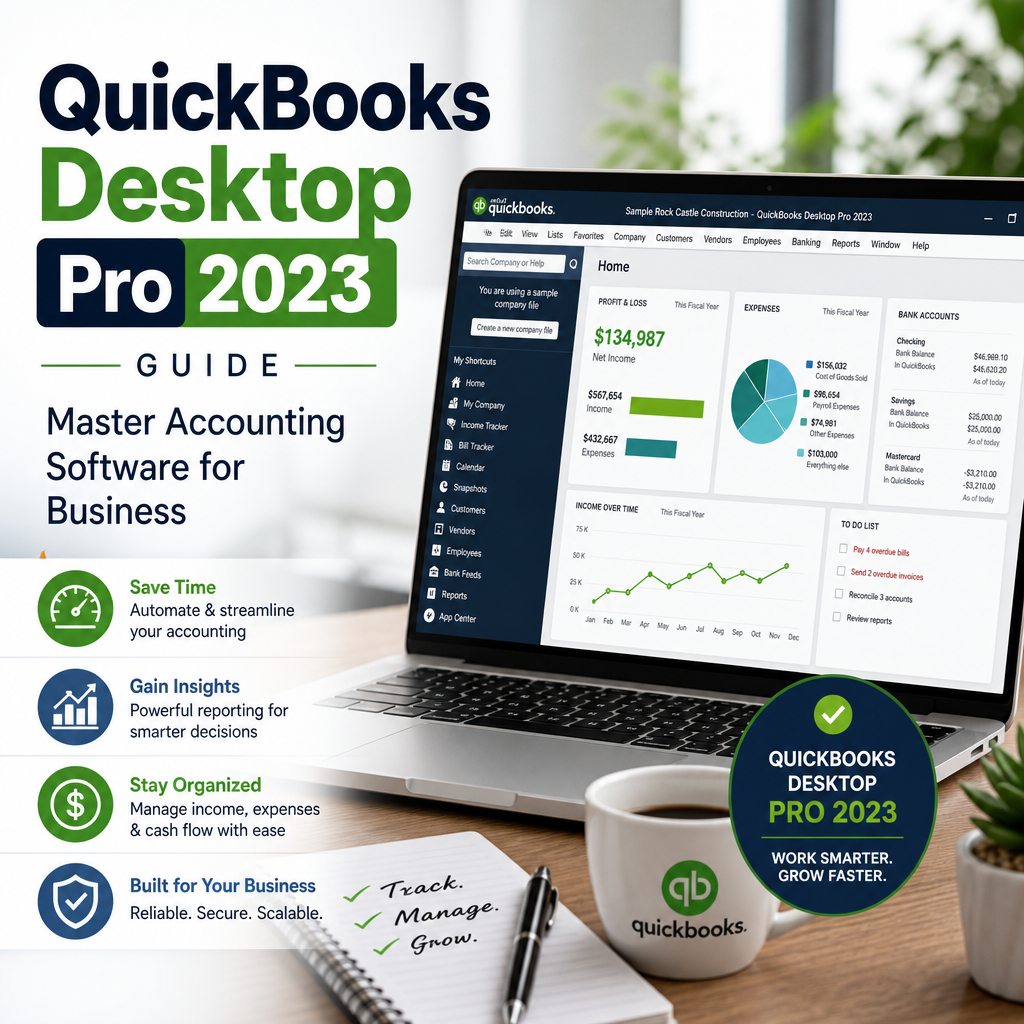
Managing finances can be overwhelming for small business owners. QuickBooks Desktop Pro 2023 steps in as a powerful ally, giving you comprehensive control over your business accounts, expenses, invoicing, and reporting. Whether you’re new to accounting software or upgrading from previous versions, this guide will help you master your finances for long-term growth.
Table of Contents
Why Choose QuickBooks Desktop Pro 2023?
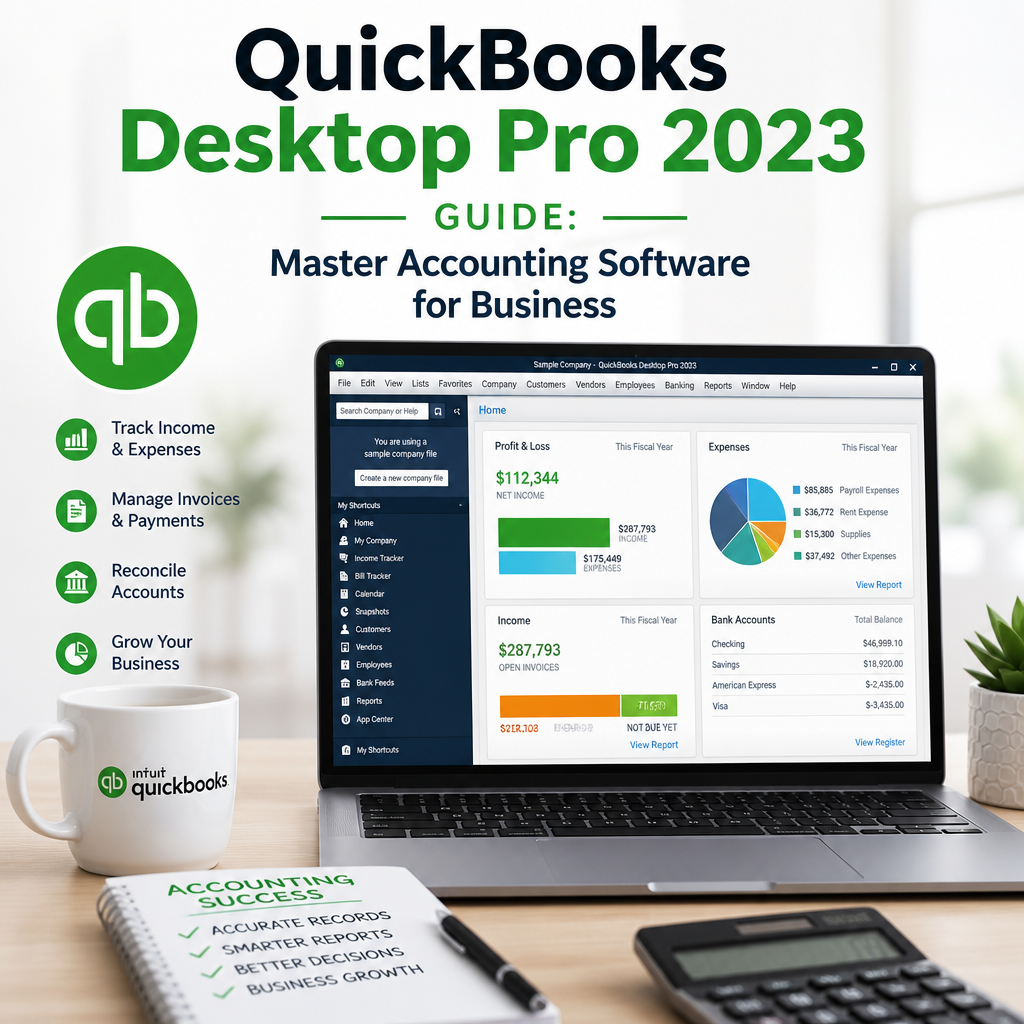
QuickBooks has consistently been among the top choices for small and medium-sized businesses. The 2023 edition adds new features and improved usability, making it a compelling option for those seeking a robust accounting platform. For owners who want reliable bookkeeping without a steep learning curve, this version offers a balanced mix of everyday accounting tools and advanced reporting.
QuickBooks Desktop Pro 2023 can help you stay organized through tax season, keep invoices moving, and make better decisions from day to day. It is especially helpful for companies that want a desktop workflow with dependable local control, simple navigation, and reporting that is easy to review with an accountant.
Many users also choose the desktop edition because it fits established office routines. If you already rely on spreadsheets, file folders, and scheduled month-end reviews, QuickBooks Desktop Pro 2023 can act as the central hub that keeps those tasks connected. That consistency is one reason the product remains popular among small businesses, consultants, contractors, and service providers.
Standout Features
- Enhanced Reporting: Generate detailed financial reports quickly for better business insights.
- Expense Tracking: Effortlessly monitor every dollar spent and optimize your budget.
- Advanced Invoicing: Create professional invoices, send reminders, and accelerate payments.
- Inventory Management: Easily track stock levels and automate reorder alerts.
- User Access Controls: Assign permissions to specific users for maximum data security.
These features are especially useful when your business needs clean records, better visibility into cash flow, and fewer manual tasks. The software can also reduce the risk of duplicate entries, missed invoices, and inconsistent categorization, which are common pain points for growing companies.
If you want more background on desktop product changes and what they mean for users, see our internal guide on QuickBooks Desktop Going Away? What It Means for Users.
Setting Up QuickBooks Desktop Pro 2023
Getting started with QuickBooks Desktop Pro 2023 is straightforward. Here’s a quick checklist to get you up and running:
- Purchase a QuickBooks Licence: You can buy QuickBooks directly from Intuit or trusted partners like usquickbooks.
- Install the Program: Download the installer, follow the prompts, and enter your license number.
- Company Setup: Enter business details, chart of accounts, and opening balances.
- Connect Bank Accounts: Sync banking data for automated transaction imports.
- Set Up Vendors and Customers: Import lists or add new entries for smooth transactions.
A careful setup saves time later. Take a few extra minutes to confirm your company name, fiscal year, sales tax settings, and payment preferences. Those details shape the way reports are generated and can reduce cleanup work during month-end closing. Good setup habits also make it easier to train staff members if more than one person will use the file.
If you are migrating from an older desktop version, back up your existing file before making changes. It is also smart to review the official product support documentation from Intuit’s QuickBooks Desktop setup guidance so your configuration matches current best practices.
During setup, decide how you want to name classes, departments, locations, and vendors. A little structure at the beginning helps your reports stay readable later. That matters whether you are tracking service work, product sales, or recurring client billing.
Key Functionalities for Small Businesses
QuickBooks Desktop Pro 2023 comes packed with tools that cater specifically to the needs of small businesses, including those operating as LLCs or managing multiple locations. The program is designed to make daily bookkeeping easier while still supporting deeper financial review when you need it.
Track Expenses with Accuracy
Keep a close eye on every transaction. By categorizing expenses, you’ll know exactly where your money goes and where you can save. The intuitive dashboard makes reviewing your spending habits effortless. Over time, that visibility can reveal patterns such as rising vendor costs, seasonal spending spikes, or categories that deserve a tighter budget.
Expense tracking is most effective when it becomes part of your weekly routine. Reconcile bank and credit card accounts regularly, attach receipts when possible, and use clear category names so your reports remain easy to read. QuickBooks Desktop Pro 2023 also makes it easier to compare current month spending with prior periods, which helps you make practical decisions faster.
Manage Invoices and Payments
Professional invoicing is essential for cash flow. With QuickBooks, you can customize templates, set up recurring invoices, and send automatic payment reminders to clients. Integration with payment processors ensures you get paid faster. This is especially valuable if your business depends on regular billing cycles or retainer-based work.
To keep payments flowing smoothly, standardize invoice terms, add a due date to every bill, and review aging reports to spot overdue accounts quickly. Small process improvements can have a big impact on collections. When customers know what to expect and your invoices are consistent, late payments are less likely to become a regular problem.
Generate Reports with Ease
Tax time is less stressful when everything is organized. QuickBooks offers:
- Profit & Loss Statements
- Balance Sheets
- Customizable Sales Reports
- Expense Summaries
All reports can be exported, printed, or securely shared with your accountant. When you review them consistently, you can identify trends earlier and make changes before small issues become costly ones. QuickBooks Desktop Pro 2023 makes that review process more manageable because the reports are familiar, customizable, and easy to revisit month after month.
Use Reporting to Support Better Decisions
Beyond basic bookkeeping, reports can guide hiring, pricing, and purchasing decisions. For example, a steady rise in overhead may indicate it is time to renegotiate supplier contracts or adjust your service rates. In the same way, strong profit margins in one line of business can help you focus your efforts where returns are highest.
Many owners also use monthly reports to compare current performance with the previous quarter. That habit creates a simple rhythm for measuring growth and catching surprises before they affect cash flow. QuickBooks Desktop Pro 2023 gives you the numbers, but your routine is what turns those numbers into action.
How QuickBooks Desktop Pro 2023 Supports Everyday Operations
For many businesses, accounting software is not just about tax preparation. It also supports the day-to-day work that keeps operations moving. With QuickBooks Desktop Pro 2023, you can monitor open invoices, keep vendor records in one place, and reduce the amount of time spent searching for transaction details.
That practical convenience matters when you are juggling client work, inventory purchases, employee scheduling, and seasonal demand. Instead of moving between disconnected tools, you can use one system to keep your accounting records organized and accessible.
Another advantage is consistency. When you enter transactions the same way every time, your financial reports become more reliable. That makes it easier to see whether revenue is rising, whether certain expenses need review, and whether your business is on track to meet its goals.
How to Build a Strong Bookkeeping Routine
A reliable accounting system is only as good as the habits behind it. Set a fixed time each week to update transactions, match bank activity, and review outstanding invoices. That rhythm prevents small problems from piling up.
It also helps to separate bookkeeping tasks by purpose. One session can focus on categorizing expenses, another on sending invoices, and another on reviewing reports. Breaking the work into manageable pieces makes the process less intimidating and more consistent. Over time, the routine becomes easier to follow and less likely to be skipped during busy periods.
If you work with multiple vendors or customer groups, create naming conventions early. Clear labels keep your data easy to filter and help avoid confusion when you run year-end reports or search historical transactions. QuickBooks Desktop Pro 2023 works best when the data inside it is organized in a way that matches how your business actually operates.
It is also a good idea to keep a simple month-end checklist. Reconcile accounts, review unpaid bills, confirm invoice totals, and export key reports before closing the books. That extra discipline helps protect your records and gives you a stronger snapshot of business performance.
Tips to Maximize QuickBooks Desktop Pro 2023
Unlock the full potential of your accounting software with these expert tips:
- Regular Backups: Always back up your company files to protect your data.
- Stay Updated: Check for software updates or consider annual upgrades, such as QuickBooks Pro Plus 2024 or quickbooks 2024, to access the latest features and security patches.
- Utilize Support Resources: Tap into communities like quickbooksforllc for tips and troubleshooting.
- Explore Multi-Device Options: If you use Macs, explore quickbooks mac options for seamless integration across platforms.
Strong habits matter as much as software features. Schedule regular file backups, keep your chart of accounts tidy, and make it a practice to review profit and loss statements on a monthly basis. These simple steps help you get the most value from the program.
You can also save time by building templates for recurring invoices, recurring transactions, and standard reports. Once those items are configured, your team can work faster with fewer repeated clicks and fewer chances for manual error. That is one reason QuickBooks Desktop Pro 2023 remains attractive for busy owners who want structure without complexity.
When you are comparing desktop products, it can also help to review alternatives and see whether your workflow still fits a desktop model. Our guide to QuickBooks Desktop Alternatives: Top Picks for Modern Accounting Software can help with that evaluation.
Should You Upgrade to QuickBooks Pro Plus 2024?
While QuickBooks Desktop Pro 2023 is a powerful solution, some businesses may benefit from upgrading to the newest versions like QuickBooks Pro Plus 2024. This latest release provides enhanced automation tools, deeper analytics, and improved security. If your operation is growing rapidly or requires advanced features, consider reviewing upgrade options when planning future software purchases.
A good upgrade decision depends on your workflow. If your team needs more automation, stronger permissions, or better long-term support, moving to a newer release may be worthwhile. On the other hand, if your current setup is stable and your team already knows the system well, it may make sense to stay put until your business needs change.
Before you upgrade, review your existing reports, payroll workflow, inventory needs, and file compatibility. That preparation reduces downtime and helps you transition with fewer surprises. It also gives you a chance to compare what you already use against the features that would genuinely save time.
Some owners like to test their routines against future planning before making a purchase. If you are unsure about timing, map out the tasks you perform most often and decide whether an update would remove friction or simply add another expense. That practical approach can make QuickBooks Desktop Pro 2023 feel like the right fit for now, even if you plan to upgrade later.
QuickBooks for Growing Businesses and LLCs
Many small businesses and LLCs choose desktop accounting because it offers dependable control over daily financial tasks. The ability to manage invoices, payments, vendors, and reports from one place can simplify operations and reduce the risk of errors.
As your company grows, your accounting process should grow with it. If you add employees, expand to new services, or start handling more customer accounts, use the software’s reporting tools to keep an eye on profitability. That visibility makes it easier to decide when to hire, when to invest, and when to hold back.
Businesses that work with outside accountants often appreciate the consistency of a desktop file. Clean records, clear categories, and regular backups make collaboration easier at tax time and during quarterly reviews. In this way, QuickBooks Desktop Pro 2023 can support both internal bookkeeping and outside financial oversight.
If your company has multiple locations, service lines, or cost centers, a structured accounting system becomes even more important. Separating activity early can help you compare performance by segment and identify which parts of the business deserve more attention.
How to Buy QuickBooks the Right Way
Before you buy QuickBooks, confirm that the version you are considering matches your current hardware, operating system, and business workflow. Not every edition is the right fit for every owner, and choosing carefully can prevent frustration later.
Look closely at licensing details, support availability, and product compatibility. A valid QuickBooks licence matters because it helps protect access to updates and official support resources. If you are comparing sellers, make sure the product is legitimate and that the purchase terms are clear.
You can also review product guidance on the manufacturer’s site to understand support availability, licensing terms, and feature differences before making a final decision.
Where to Buy QuickBooks
Ready to invest? You can buy QuickBooks through authorized retailers, Intuit’s website, or trusted partners such as usquickbooks. Always ensure you’re purchasing a valid QuickBooks licence to receive official support and updates.
Before purchasing, confirm that you are choosing the version that fits your computer system and business needs. If you are comparing options, consider whether you need a desktop edition, a Mac-friendly setup, or a newer release for future-proofing. Product fit matters just as much as price.
If you need guidance on platform-specific choices, you may also want to review the right product path for your environment. For example, some users prefer a desktop product built for Apple systems, while others want a standard Windows workflow. In either case, the goal is the same: choose accounting software that supports your process instead of slowing it down.
You can also review product guidance on the manufacturer’s site to understand support availability, licensing terms, and feature differences before making a final decision.
What to Look for When Choosing Accounting Software
Not every accounting platform is built the same way. When comparing options, think about how many users need access, whether you need inventory support, and how often you create invoices. Those practical details usually matter more than flashy feature lists.
It is also worth considering reporting depth, backup options, and ease of use. The right software should save time, reduce manual entry, and give you clear financial answers when you need them most. A thoughtful choice can improve confidence across your entire finance workflow.
If your business relies on desktop tools, make sure the workflow feels sustainable for the long term. A good fit should support your current process and still leave room to grow. That is true whether you are just starting out or refining an established bookkeeping system.
Common Mistakes to Avoid
Even strong accounting software can produce poor results if it is used carelessly. One common mistake is failing to reconcile accounts regularly. Another is leaving transactions uncategorized for too long, which can make reports confusing and tax preparation harder.
It is also easy to overlook backup routines. If you wait until a problem happens, recovery can become stressful. Consistent backups, organized file names, and clean user permissions all help protect your records.
Another issue is using reports only during tax season. QuickBooks Desktop Pro 2023 becomes much more valuable when you check reports throughout the year. Regular review helps you catch small problems early and keeps your financial picture clearer.
Final Thoughts
Mastering your finances is the cornerstone of business success. With QuickBooks Desktop Pro 2023, you gain the tools needed to track expenses, improve invoicing, and streamline reporting. Whether you’re managing a small startup or a growing LLC, QuickBooks delivers the power, flexibility, and control you need.
Stay informed about new versions like quickbooks 2024 and leverage resources such as quickbooksforllc to keep your financial management ahead of the curve. If your needs change, you can compare newer releases and desktop alternatives, but the core value remains the same: a dependable system for keeping your books organized and actionable.
Start optimizing your business accounting today with QuickBooks Desktop Pro 2023—the smart and reliable choice for entrepreneurs who demand precision and efficiency.
