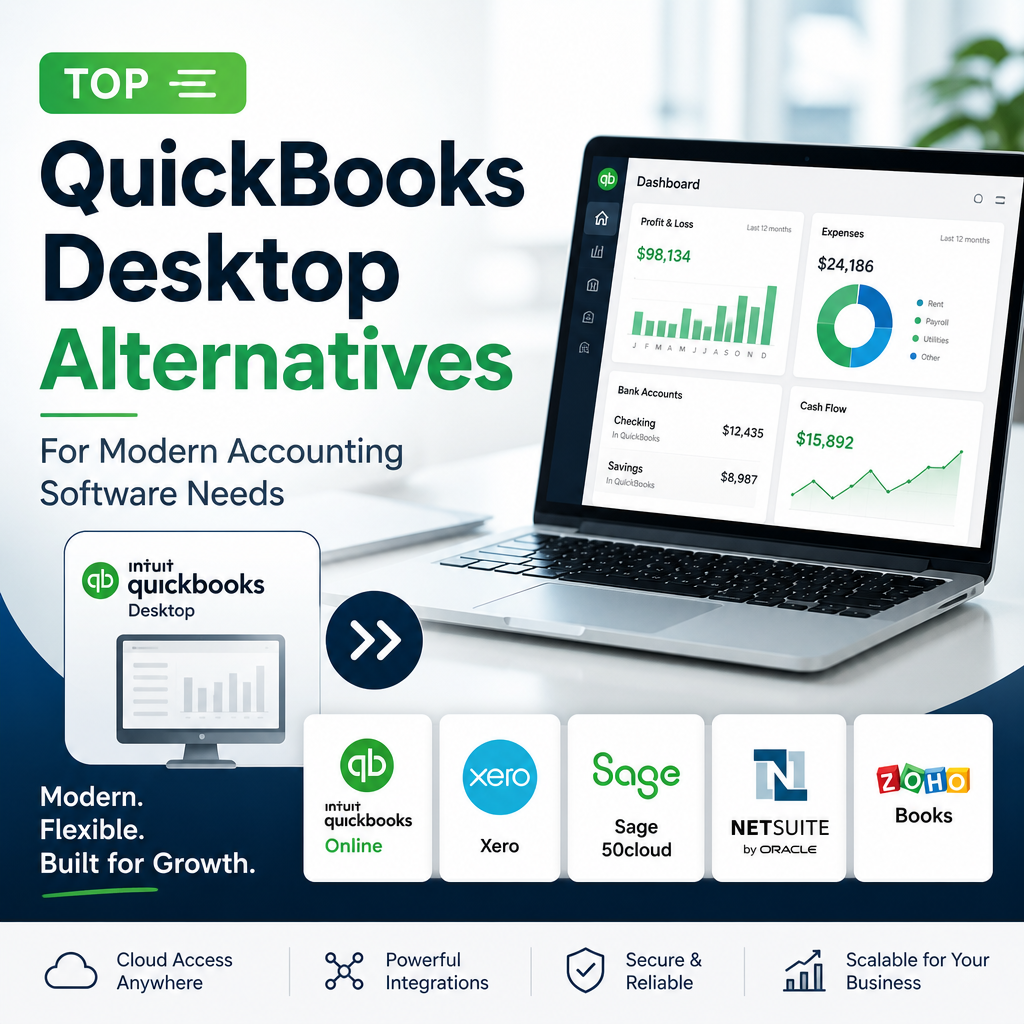
Modern businesses depend on robust accounting software to manage finances efficiently, keep records organized, and support smarter decisions. While QuickBooks Desktop has long been a market leader, shifting business needs, cloud solutions, and changing user preferences have prompted many companies to consider other options. If you’re looking for QuickBooks Desktop alternatives, this guide will help you explore practical choices for your business’s financial management.
Why Look Beyond QuickBooks Desktop?
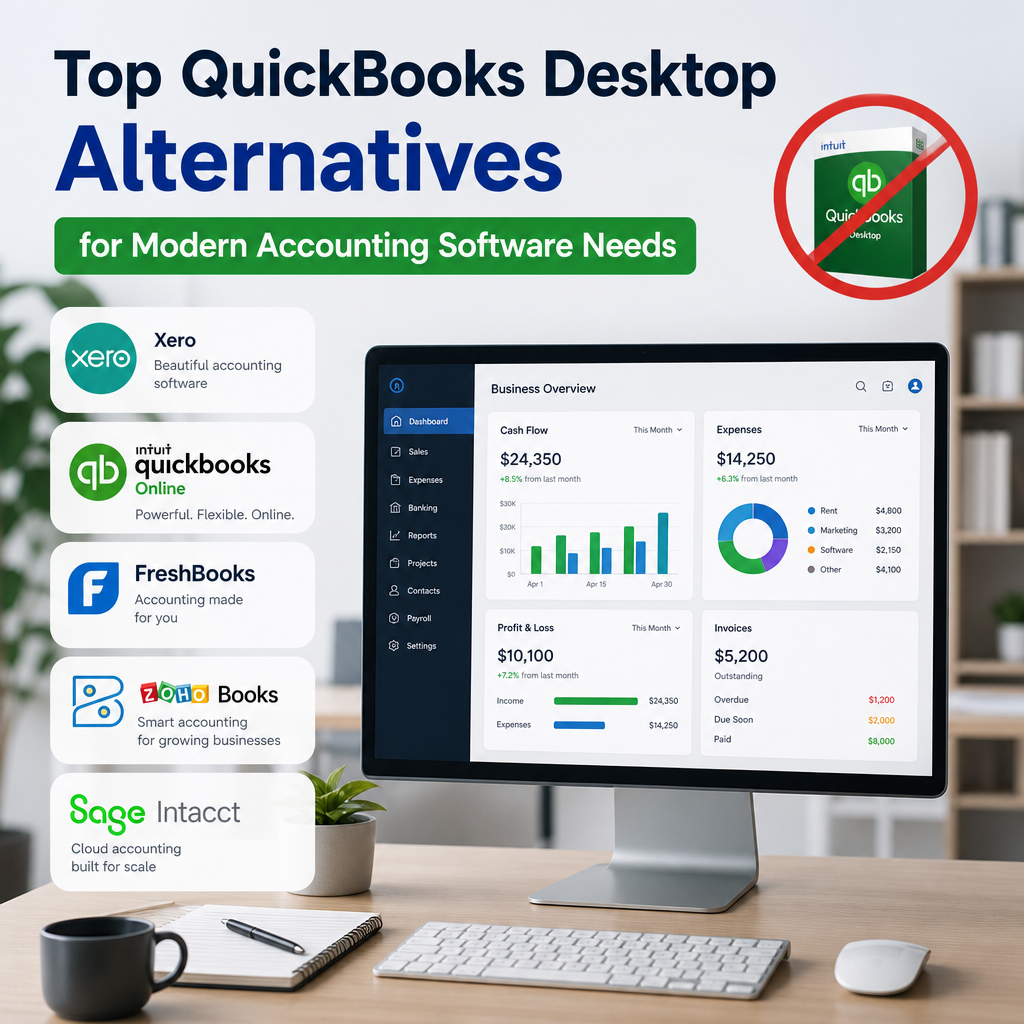
QuickBooks Desktop Alternatives are becoming more relevant as businesses prioritize flexibility, collaboration, and easier access to financial data. QuickBooks Desktop, including versions like QuickBooks Pro Plus 2024 and QuickBooks for Mac, remains a dependable choice for many. However, there are several reasons businesses are seeking other accounting software options:
- Cloud-Based Access: More companies require flexible, anywhere access that traditional desktop solutions cannot offer.
- Ease of Use: Businesses want intuitive platforms with streamlined interfaces.
- Scalability: Growing companies need software that can adapt as their needs evolve.
- Cost Efficiency: Annual subscriptions, such as those for QuickBooks licences, contribute to ongoing costs.
Before deciding to buy QuickBooks or renew your QuickBooks 2024 subscription, it helps to compare those costs with the value offered by newer platforms. For readers monitoring product changes in the lineup, this QuickBooks Desktop Going Away? What It Means for Users guide explains the broader transition in practical terms.
In many cases, businesses are not replacing QuickBooks because it fails outright. Instead, they are choosing software that better matches remote work, modern reporting needs, or simpler workflows for everyday bookkeeping. That is why QuickBooks Desktop alternatives continue to attract attention from startups, freelancers, and established companies alike.
For some owners, the decision starts with a simple question: do we want to keep a desktop program installed on one machine, or do we want accounting software that follows the team wherever it works? That distinction matters more now than ever, especially for companies with hybrid schedules, distributed teams, or frequent travel.
Another reason businesses evaluate QuickBooks Desktop alternatives is data visibility. If managers, accountants, and bookkeepers all need access at different times, a cloud platform can reduce bottlenecks and improve response times. Instead of waiting for one person to open the file, the team can review current numbers in real time.
Security is also part of the conversation. Some organizations prefer local control, while others value the backups, permissions, and encrypted access commonly included in online systems. The right accounting software should support both recordkeeping and confidence in how that information is stored and shared.
Top QuickBooks Desktop Alternatives
Below are some of the most commonly recommended alternatives for businesses comparing accounting software platforms. Each option has strengths that may fit different budgets, team sizes, and workflow preferences. If you are evaluating QuickBooks Desktop alternatives for the first time, this section offers a useful starting point.
1. Xero
Xero is a cloud-based accounting platform designed for simplicity and collaboration. It is a strong contender among QuickBooks Desktop alternatives because it offers:
- Real-time multi-user access
- Automated bank feeds and reconciliation
- Invoicing, expense tracking, and payroll
- Integration with a wide range of third-party apps
Xero’s intuitive dashboard and accessibility make it ideal for growing teams and businesses with remote staff. Its cloud-first approach also appeals to companies that no longer want to manage local software installs and manual updates. For businesses comparing QuickBooks Desktop alternatives, Xero often stands out for the balance it offers between core bookkeeping tools and an easy onboarding experience.
It is also helpful for companies that need a clean, modern view of cash flow without a complicated setup. That simplicity can save time during monthly close and make the day-to-day process of entering transactions feel less repetitive. If your team values collaboration, Xero is worth a close look.
2. FreshBooks
FreshBooks is tailored to freelancers, contractors, and small business owners who want simple accounting software without a steep learning curve. Key features include:
- User-friendly invoicing and expense capture
- Time tracking and project management tools
- Accessible reports and analytics
- Cloud-based convenience
FreshBooks stands out for its clean interface and customer support, making it especially attractive for service-based businesses that bill by the hour or need easy client management tools. Among QuickBooks Desktop alternatives, it is often considered one of the easiest options to adopt quickly.
Freelancers often prefer FreshBooks because it keeps administrative work light. Instead of spending time navigating dense menus, users can focus on billing clients, tracking billable hours, and following overdue invoices. That practical focus makes it especially appealing to consultants, designers, and agencies that need efficiency more than deep accounting complexity.
If your business is small but client-facing, FreshBooks can simplify the work that matters most. It is not trying to be everything for everyone, and that can be a benefit when your priority is speed, clarity, and a polished client experience.
3. Sage 50cloud
Sage 50cloud offers a blend of desktop performance and cloud connectivity. It appeals to businesses seeking advanced features and a familiar feel reminiscent of traditional desktop accounting systems.
- Advanced inventory management
- Cash flow and budgeting tools
- Integration with Microsoft 365 for enhanced productivity
- Robust security and control features
Its hybrid approach means you get local data security with remote access, positioning Sage 50cloud as a practical solution for established businesses that still prefer a desktop-style workflow.
For companies that manage inventory, Sage 50cloud can be especially valuable. Inventory visibility, cost tracking, and budget control all become more important as operations grow, and this platform is built to handle more demanding workflows. It is one of the QuickBooks Desktop alternatives that feels familiar to users who want structure without giving up access.
Businesses that have used desktop accounting software for years may appreciate the fact that Sage 50cloud does not force a drastic change in process. That can reduce training time and help staff settle into the new system more comfortably. In short, it is a good fit when you need a more advanced tool but do not want to abandon the habits your team already knows.
4. Zoho Books
Zoho Books is part of the broader Zoho ecosystem and is designed for growing businesses that want comprehensive yet affordable accounting software. It is one of the more flexible QuickBooks Desktop alternatives for organizations already using other Zoho applications.
- Automated workflows for invoicing and billing
- Bank reconciliation, inventory tracking, and project management
- Integration with Zoho apps and popular payment gateways
Zoho Books is a cost-effective choice for businesses wanting scalability without high overhead, such as recurring fees for QuickBooks licences. If your company values automation and connected business tools, Zoho can be a strong fit.
It is also a practical choice for organizations that want accounting to be part of a larger operating system. When invoicing, CRM, email, and project tools all sit in the same ecosystem, teams spend less time switching between apps and more time moving work forward. That kind of integration is one reason Zoho Books remains popular among growing firms.
For small business owners comparing QuickBooks Desktop alternatives, Zoho Books often deserves attention because it can scale gradually. You may start with the basics and add more capabilities as the business matures, which helps keep costs aligned with actual usage.
5. Wave
Wave is a free accounting platform that covers many essentials small businesses need. Its highlights include:
- Free invoicing, receipt scanning, and basic accounting tools
- Pay-as-you-go payment processing and payroll services
- User-friendly interface ideal for beginners
If your business needs a budget-friendly alternative to QuickBooks or you are starting out and not ready for the investment in QuickBooks Pro Plus 2024, Wave is a compelling option. It is especially appealing to solo operators and small teams that need straightforward bookkeeping without complexity.
Wave can be a smart fit for businesses that are still building revenue and want to keep overhead low. Instead of paying for features you may not use, you can focus on a lean accounting process that still covers the essentials. For many new businesses, that balance matters more than extensive customization.
That said, Wave is best for organizations with simpler needs. If you expect to grow quickly or need more advanced inventory, job costing, or approval workflows, you may eventually outgrow it. Even so, it remains one of the more approachable QuickBooks Desktop alternatives for very small businesses.
6. QuickBooks Desktop Pro Plus 2024
For businesses that like the QuickBooks experience but want to stay with a familiar desktop product, QuickBooks Desktop Pro Plus 2024 – Lifetime License Key – USA Version (1 User) may still be part of the comparison process. This option is not an alternative in the strictest sense, but it is often reviewed alongside other accounting software choices when a business is deciding whether to keep using QuickBooks Desktop or move on.
That comparison matters because the best solution is not always the newest one. Some companies prefer the familiarity of QuickBooks Desktop while others want the flexibility that cloud-based platforms offer. In practice, the right choice depends on the size of your team, your reporting needs, and your comfort level with software change.
For some buyers, price and continuity are the deciding factors. If your staff already knows the workflow and your records are organized within the current ecosystem, staying put may reduce disruption. Still, reviewing QuickBooks Desktop alternatives alongside the latest QuickBooks Desktop offers can help you make a more informed, long-term decision.
If you are comparing product tiers, the broader lineup may also matter. Businesses sometimes move between one-user and multi-user setups as they expand, so understanding how each product supports collaboration can save time and frustration later.
Other practical options to compare
Depending on your industry, there may be other tools that fit specific needs even if they are not the most obvious names in the market. Some businesses need stronger project accounting, while others need easier expense capture or simpler bank reconciliation. That is why the best shortlist of QuickBooks Desktop alternatives should reflect your actual workflow, not just feature marketing.
Before you commit, think about the everyday tasks that matter most: sending invoices, matching bank transactions, managing vendors, tracking expenses, producing reports, and supporting tax preparation. The software that handles those jobs smoothly is usually the one that delivers the most value.
How to Choose the Best Alternative
Picking the right accounting software involves assessing your specific needs rather than choosing based on brand recognition alone. When comparing QuickBooks Desktop alternatives, consider the following factors:
- Cloud vs. Desktop: Prioritize mobility and access? Cloud-based solutions like Xero and FreshBooks may be best.
- Industry Requirements: Some sectors require advanced inventory or job costing features—consider Sage 50cloud if so.
- Budget: Compare ongoing costs for options versus what you’d pay to buy QuickBooks Desktop or QuickBooks Pro Plus 2024.
- Integration Needs: Review which platforms connect well with your other tools—Zoho Books excels here.
- Support and Training: Consider onboarding resources, help documentation, and support quality before making a final decision.
A useful approach is to list the workflows your team handles most often, such as invoicing, expense tracking, payroll, inventory, or multi-user access. Then compare each platform against those needs instead of judging by feature count alone. That process usually makes the best match much clearer.
If you want a general benchmark for good accounting practices, the IRS small business tax and recordkeeping resources can help you understand what financial documentation and reporting should support your workflow.
It also helps to think beyond the software demo. A polished interface can look great in a trial, but real-world accounting depends on how easily the platform handles day-to-day operations over time. Ask whether the system supports bank rules, user permissions, recurring transactions, and reporting in a way that matches how your team already works.
If your business relies on collaboration, check whether the platform lets different users access only what they need. That can reduce mistakes and keep sensitive financial data more secure. For a growing company, those controls are just as important as the headline features.
Another smart step is to review what happens when your business grows. A solution that works well for two employees may become limiting at ten. The best QuickBooks Desktop alternatives are the ones that can grow with you without forcing a second migration too soon.
What to Expect During a Switch
Moving from one accounting system to another can feel intimidating, but the process is usually manageable with the right plan. Before changing platforms, review your chart of accounts, customer and vendor lists, open invoices, unpaid bills, and transaction history. Clean data makes migration smoother and reduces errors later.
It is also a good idea to test the new system before fully committing. Many vendors offer demos, trials, or onboarding assistance so you can compare features in a real workflow. During this stage, pay close attention to how reports look, how easy it is to create invoices, and whether the platform supports the way your team actually works.
For some businesses, the hardest part is not the move itself but adjusting to a new process. Staff who are comfortable with one interface may need time to adapt to another. That is why training matters just as much as the software selection. Even strong QuickBooks Desktop alternatives can underperform if the team does not understand how to use them well.
Businesses that rely heavily on multi-user collaboration should also check permissions, audit trails, and access controls. These features can make a major difference in maintaining clean records and preventing accidental changes. If your accounting process spans several departments, that level of control becomes especially important.
To reduce disruption, it helps to plan the switch in stages. First, clean up existing records. Next, move over the most important opening balances and active contacts. Then run the new system alongside the old one long enough to confirm reports and workflows are working properly. That phased approach lowers risk and gives your staff time to adjust.
After the migration, give your team a short checklist for common tasks. Include steps for entering bills, sending invoices, reconciling accounts, and reviewing month-end reports. Small process documents can make a big difference when people are learning a new system.
Most importantly, remember that a software change should improve the business, not add confusion. The goal is not to chase features for their own sake. The goal is to choose accounting software that makes daily work easier, financial reporting clearer, and decision-making faster.
When Staying with QuickBooks Desktop Still Makes Sense
Although many businesses are exploring QuickBooks Desktop alternatives, staying with QuickBooks Desktop can still make sense in certain situations. Some companies already have established workflows, industry-specific add-ons, or long-term staff familiarity with the platform. Others simply prefer the structure of desktop accounting software and do not need the flexibility of a cloud-first system.
If your current version does everything you need and your team is productive with it, there may be no urgent reason to change. In that case, the best move could be to maintain your current setup while monitoring how the market evolves. A well-run accounting process is more important than following every software trend.
At the same time, it is wise to keep an eye on new releases, pricing shifts, and support changes. Even loyal QuickBooks users should periodically review whether their current setup still serves their business goals. That is especially true if you are considering a future upgrade, replacing old hardware, or expanding your team.
Some companies also stay because their accountants or bookkeepers already work comfortably inside the QuickBooks environment. That familiarity can reduce errors and save time during tax season or month-end close. If efficiency is already strong, changing tools may not deliver enough benefit to justify the transition.
There is no rule that says a business must leave a system just because newer options exist. The smartest decision is the one that improves operations without creating unnecessary friction. For some organizations, that means choosing one of the many available QuickBooks Desktop alternatives. For others, it means staying with the platform they know and using it well.
It can also be sensible to stay put if your current setup is closely tied to hardware, workflows, or third-party tools that would be expensive to replace. In those cases, a future switch may still be possible, but it should happen on your timeline rather than under pressure.
Practical checklist before you decide
- Identify the accounting tasks your team uses most often.
- Compare cloud access, reporting, and collaboration needs.
- Review the total cost of ownership, not just the monthly price.
- Test how quickly your staff can learn the new interface.
- Confirm that your records can be exported or migrated cleanly.
- Check support quality before you commit to a platform.
This checklist can help narrow the field and make the final decision feel less overwhelming. Even when several products look similar at first glance, the right one usually becomes clear once you compare how each system handles the tasks you perform every week.
For many businesses, the right answer is the one that combines ease of use with dependable recordkeeping. That may be a cloud platform, a hybrid system, or a familiar desktop product. The important thing is choosing software that supports the way you actually run your business today.
Final Thoughts
While many businesses have depended on QuickBooks Desktop, plenty of robust QuickBooks Desktop alternatives are now available, each offering different strengths such as cloud flexibility, cost savings, or specialized features. Whether you are seeking an upgrade from QuickBooks 2024 or just exploring what is next for your accounting needs, these platforms provide modern solutions for every business size and sector.
Thinking about making the switch? The right accounting software can transform your financial management, freeing you to focus on building your business for the future. Comparing features, pricing, support, and workflow fit will help you choose the option that best supports your growth.
In short, there is no single winner for every company. The best choice is the one that fits your team, your budget, and the way you actually operate. That is why thoughtful comparison remains the most reliable path when evaluating accounting software today.
When you are ready to choose, prioritize clarity over complexity. A platform that your team understands and uses consistently will always outperform software that looks powerful but creates confusion. That simple principle often separates a good accounting decision from a costly one.
For that reason, QuickBooks Desktop alternatives should be judged not only by features, but by how well they support real business habits. If the software saves time, reduces errors, and gives you better visibility into your finances, it is doing its job well.
